Deliveries
Shipping and delivery assistance
Shipping and delivery assistance
Shipping and delivery assistance
Shipping and delivery assistance
Here are some of the most common issues and questions related to the shipping and delivery of your Nofence products.
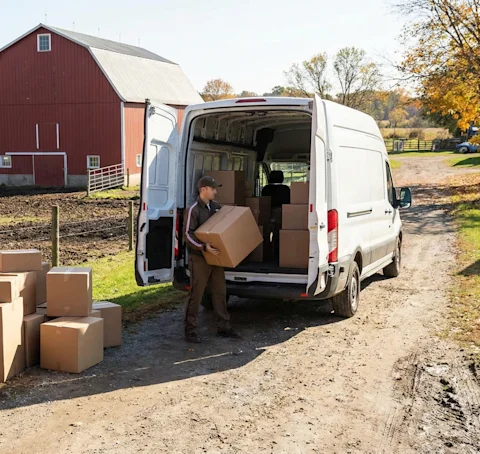
Whether you're waiting on an order, tracking a delivery, or dealing with an issue after it arrives, you'll find answers to the most common delivery questions below.
The order hasn't arrived yet
If the order hasn't arrived yet, it may not have shipped yet, or it may be delayed in transit. We recommend checking the status on the Parcelforce website or contacting Parcelforce support directly.
The order contains incorrect or missing items, or products are damaged
If something appears to be missing, or if products arrived damaged or defective, please submit a help ticket and include the order number.
Check or track an order
Orders can be tracked on the account pages, or by searching for the tracking number on the Parcelforce website.
Find a tracking number
The tracking number is included in the shipping confirmation email sent by Parcelforce. It is also visible on the order page in the account.
The order is delayed and no new delivery date has been provided
Orders can sometimes experience delays during the packing process. Unfortunately our support team cannot provide specific updates while an order is being processed at the packing centre. An email notification will be sent as soon as the order is handed over to Parcelforce.
The package was sent to the post office but was not picked up in time
If the package was not picked up within the deadline and the holding period was not extended, Parcelforce will return it to Nofence. The order cannot be resent until it has been returned to our supplier and payment for re-delivery has been arranged. This process may take some time. Please note that Nofence is not responsible for additional delivery costs. We recommend reaching out to us for further assistance.
The order was marked as delivered, but the package has not been received
If the package was delivered to the wrong address or not delivered at all, check the shipping confirmation email for delivery details. On the account page, go to Orders and use the tracking number to check the delivery address on ups.com. The order may have been sent to the local post office for pickup.